

Report guide
Read Traffic Quality
How much of your traffic is automated, where it comes from and what it does to GA4.
The question it answers
How much of my traffic is automated, where does it come from, and what does it change in GA4?
Where it is
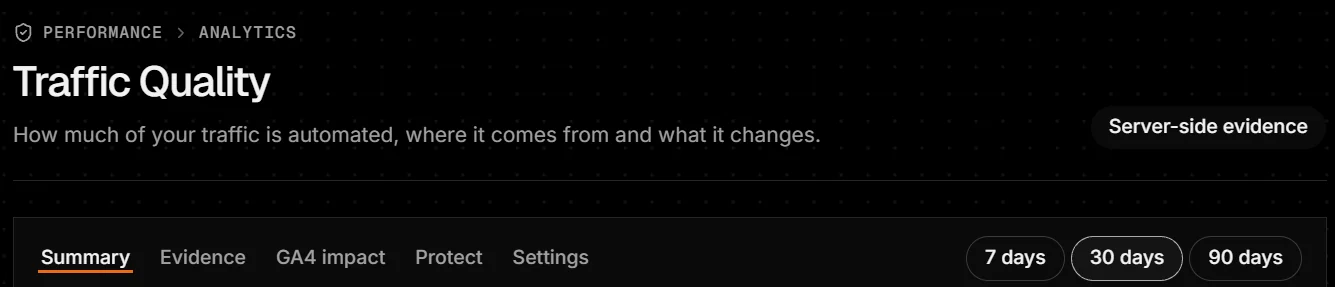
Sidebar → Performance → Traffic Quality (or the Traffic Quality button on Analytics). Tabs: Summary, Evidence, GA4 impact, Protect and Settings, over 7, 30 or 90 days.
Turn on browser signals
Traffic Quality reads small, privacy-safe signals from visitors’ browsers. Pick one:
WordPress: in the Ndovu Crawl Log plugin, turn on Browser signals and choose a consent option. See the plugin’s settings.
Any other site (Shopify, Magento, Next.js and others): open Settings → Get the script tag, choose a consent option, click Copy script tag and paste it into your site’s head.
It works when
Settings shows Last beacons with a time. Beacons appear within about five minutes of the first visits.
The levels
- Verified bot
- A crawler that proved who it is.
- High-confidence suspected automation
- Counted as automated in the headline.
- Possible automation
- Some signs; not counted in the headline.
- No material automation indicators
- Looks like a person.
- Unknown or insufficient evidence
- Not enough to say.
The tabs
- Summary
- The headline: what share of page views is automated (high-confidence only), how that compares with other sites, whether it reaches GA4, where it lands, what it costs (conversion rate, ad audiences) and where it comes from.
- Evidence
- Pages automation lands on, by kind of page and device, and the browser signals behind it.
- GA4 impact
- GA4 as reported and without automation, by channel, country, device and landing page, plus a GA4 tracking configuration audit. Findings are reasons to investigate, not proof.
- Protect
- Rules to slow sources down at the edge, a before-and-after view, and Tag Manager routing to keep automation out of GA4, with a shadow preview first.
- Settings
- Alerts, the measurement timeline, the script tag and what is collected. Data is kept 400 days, landing pages 90 days.
When data is empty, late or unavailable
- No beacons from the script tag yet
- Check the tag is on your pages and your consent banner allows it.
- Browser signals are off
- Turn them on in the WordPress plugin.
- Google Analytics isn’t connected
- GA4 impact needs GA4; the rest works without it.
- Not enough visits yet to tell
- Wait for more traffic.